
Search Travis County Warrant Records
A Travis County warrant search is a chain of court and agency checks because no public database covers every local issuer. Start with the court or citation, then contact the office that serves or records that type of warrant. The old Sheriff's web search is expired, and Austin's public list covers APD warrants only.
Use the name on the case, date of birth, former name if relevant, and citation or cause number. Avoid treating a common-name match as certain. If the issue is an arrest warrant or a possible surrender, speak with a licensed Texas attorney before acting on a search result.
- Call Travis County Sheriff's Central Warrants for county-held warrant routing.
- For Austin, check the APD list and Austin Municipal Court case portal, each for its stated scope.
- For a county citation, call the JP court named on the ticket; for another city, contact that municipal court.
- Request existing records in writing from the office that holds them if phone or portal information is incomplete.
- Check DPS OmniBase only for reported FTA or failure-to-pay license issues, then confirm warrant status with the issuing court.
Travis County's Expired Sheriff Warrant Search
The former WOW endpoint redirects to the current Travis County Sheriff's warrant page, which displays an Expired notice and no live search fields. The public notice cautions that information can be incomplete or inaccurate. Do not enter a name into an unofficial site because the official page is unavailable.
The Sheriff's warrant page now serves as a notice. Central Warrants at (512) 854-9751 is the practical phone route. The Sheriff says there is no central county records office, so law-enforcement record requests go to TCSO.
The City of Austin's APD warrant search page explains the separate APD-only list referenced here.
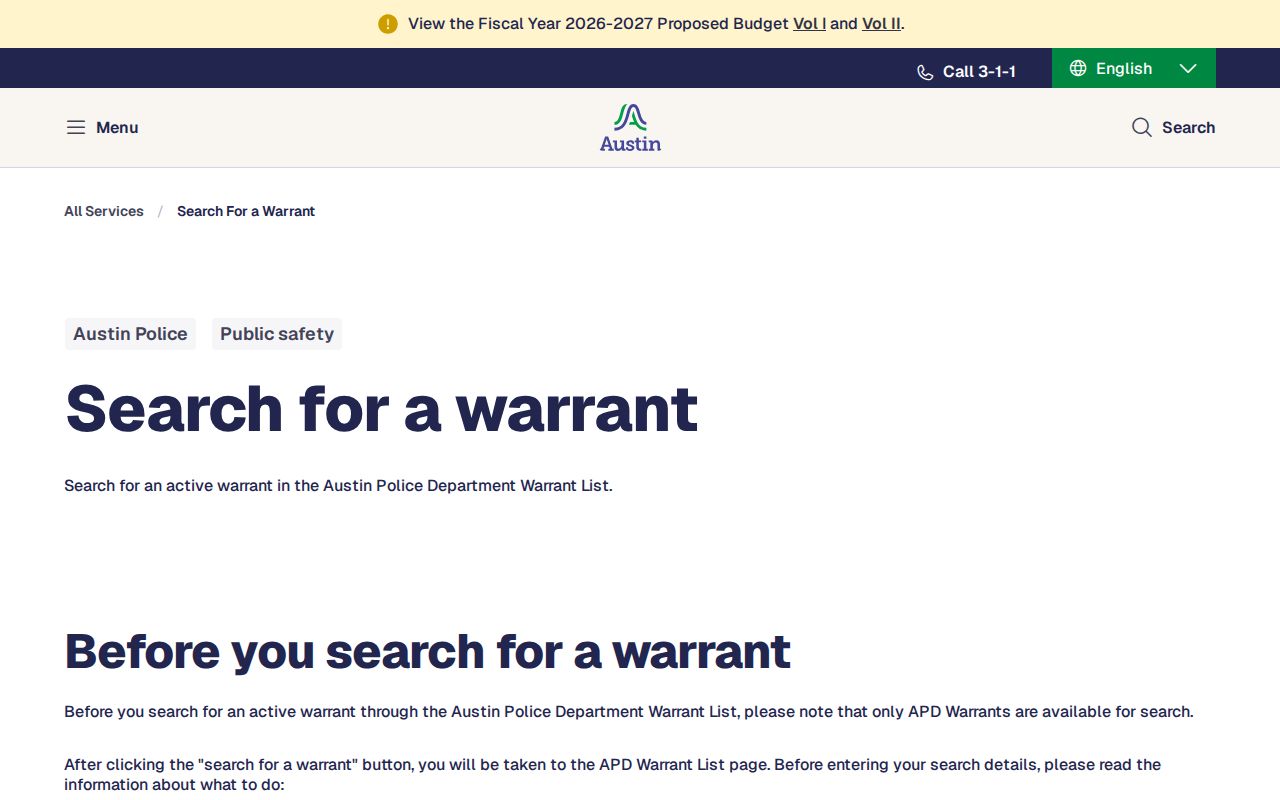
This official Austin notice helps separate an APD search from a county-wide search. It does not list every court's warrants.
Travis County Warrant Search Fields
There is no live field list for the expired sheriff portal, and the APD interface was not reliably inspected. The county Odyssey user guide does document public case-search controls. Those controls help locate a case, while a specialized warrant-number search is reserved for authorized agencies and justice partners.
Use only fields the official portal presents. The table below records the controls described in the Odyssey guide, not a promise that each one appears in every public view.
| Control | Type | Use | Limit |
|---|---|---|---|
| Smart Search | Text | Name, case, cross-reference, SO, or booking number | Case context; not an unrestricted warrant search |
| Party Name | Text filter | Name, nickname, or listed party identifier | Confirm common-name matches with the clerk |
| Case Number | Text filter | Cause number or case reference | Exact format should be confirmed |
| Case Status / File Date | Filter | Narrow a case search | Complete options are not printed in the guide |
| Include Cases / Judgments / Warrants | Selector | Associated records for authorized users | Warrant search requires authorized access |
APD's Travis County Warrant List Is Narrow
Austin's official search page links to an APD Warrant List and expressly limits its scope to APD warrants. The list is one agency slice. It cannot confirm a JP capias, a Pflugerville municipal case, a District Court warrant, or a federal matter.
When the case ends in MC, call Austin Municipal Court at (512) 974-4800; CC matters use (512) 974-4879. Other APD warrant questions go to the APD Warrant Office at (512) 974-5299. Ask which office controls the record before relying on a result.
The official Austin warrant search page identifies this APD list and its scope.
The image is an interface reference only. No person or search result is shown.
What a Travis County Warrant Search Returns
Public search results vary by office. Odyssey case views can show a cause number, party, case type, party type, and related case events. A basic warrant row may show less. Municipal and JP systems may center on the citation number, offense, status date, balance, or court rather than a single county warrant number.
Travis County has no shared public status legend. Ask the issuer to explain whether a record is active, recalled, quashed, served, returned, or cleared and whether the underlying case remains open.
| Cause number | A felony record may use a D-1-DC prefix; confirm the full number with the District Clerk. |
|---|---|
| Party and charge | Names and offense details shown only as permitted by the record. |
| Issuing court | The court that can explain the status and remedy. |
| Bond or amount | Bond, fine, and warrant fees are separate sums. |
| Status | Current label and event date, if the portal exposes them. |
Travis County Odyssey Warrant Case Context
The County Clerk's Odyssey guide describes Smart Search, Advanced Filtering, party-name and case-number filters, file-date ranges, judicial-officer filters, and result controls. It says 200 is the maximum result count, with 50 case results shown first. The viewer can load more results and display no more than six columns at a time.
The guide's warrant-number search is restricted to authorized agencies and justice partners. A public case search can still help identify the court and associated case. To move from a docket clue to a current warrant answer, contact the District Clerk or County Clerk.
Where Travis County Warrants Are Checked
The District Clerk keeps felony criminal case records. The County Clerk serves the seven criminal County Courts at Law. JP clerks handle their own Class C traffic and criminal cases, and each municipal court keeps its own ordinance and city-traffic files. TCSO Central Warrants can route county-held service questions.
Texas has no single public warrant-search database. OmniBase is a DPS failure-to-appear/failure-to-pay program that can affect license renewal, not a complete warrant lookup. The active-warrant page explains why limited lists do not establish clearance.
Use the official Travis County Justice of the Peace directory to identify precinct contacts.
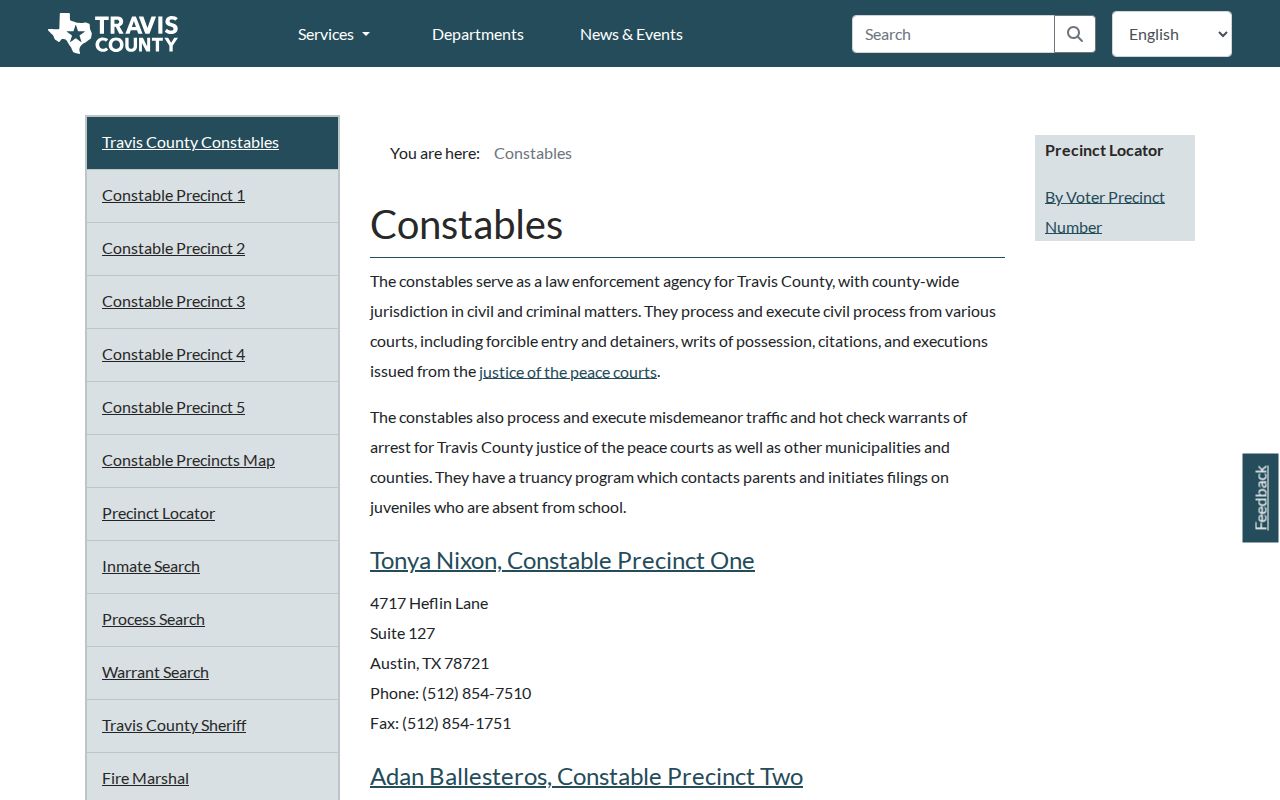
Constables process and execute JP traffic and hot-check warrants for Travis County and other jurisdictions. The precinct contact list is separate from a search database.
Five Travis County JP Warrant Dockets
JP1 through JP5 have different clerks and payment channels. The phone on the citation points to the right starting place. A county traffic page can list all precincts, but that does not combine their case histories or promise one portal will show every warrant.
If you use a payment site, first ask the court whether the case is eligible and whether payment is treated as a no-contest plea. Travis County's online constable page adds a 5% convenience fee and says not all matters qualify. The page also describes next-business-day recall after processing, but the court should confirm timing.
The official county warrant-payment page publishes current terms and exclusions.
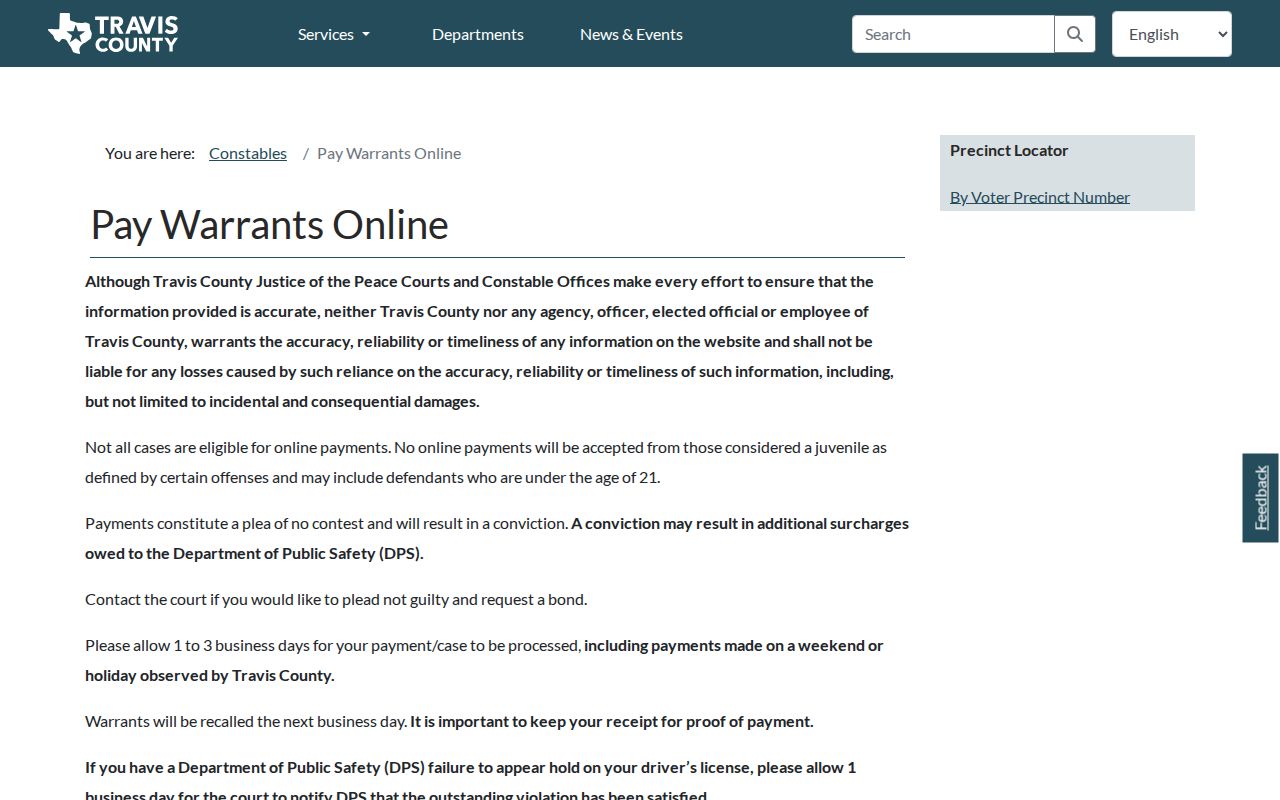
The county payment notice is a terms page, not a status checker. Keep the receipt and contact the issuing court if a record still appears.
Travis County Warrant Access and Restrictions
The Texas Public Information Act supports access to government records, but it does not make every warrant file public. A court or law-enforcement office may withhold active-investigation material, sealed filings, juvenile information, or protected identifiers. Public case portals can also show less than the clerk's full file.
A search result that is missing or clear is not proof that no warrant exists. Ask the issuing office what it can confirm and whether a written request can reach an existing public record.
Access rules:
Texas Government Code Chapter 552 sets access rules and exceptions, including law-enforcement limits in section 552.108.
Texas Family Code Chapter 58 limits disclosure of juvenile records.
A sealed or recently entered warrant may not appear in a public portal; verify with the court.
Travis County OmniBase Warrant Search Limits
DPS's Failure to Appear/Failure to Pay program records reported citations for license-renewal eligibility. OmniBase can help identify a reported hold, but DPS says license specialists do not have warrant information. A clean license-status answer is not a warrant clearance.
Call the court named on the citation for the underlying case and ask whether a warrant or capias remains active. If a DPS hold is also present, ask the court how it reports clearance and check the DPS program separately after the update.